 Foto: Ethan Wilkinson / Pexels
Emergency Documents Checklist: What to Secure Before a Crisis
Emergency documents checklist: which documents to secure, how to protect them from water and fire, and how to create a digital backup that works when you need it.
Why Document Security Is Crisis Preparedness
In an evacuation scenario, you have minutes. A wildfire, flooding, or similar emergency gives you little time to gather what matters. And beyond life-critical items, the documents you grab — or fail to grab — determine how quickly your life returns to normal afterward.
Insurance claims, identity verification, medical needs, financial access: all of these depend on documents. This checklist ensures nothing critical is missing.
The Core Emergency Document Categories
1. Identity Documents
| Document | Who Needs It | Notes |
|---|---|---|
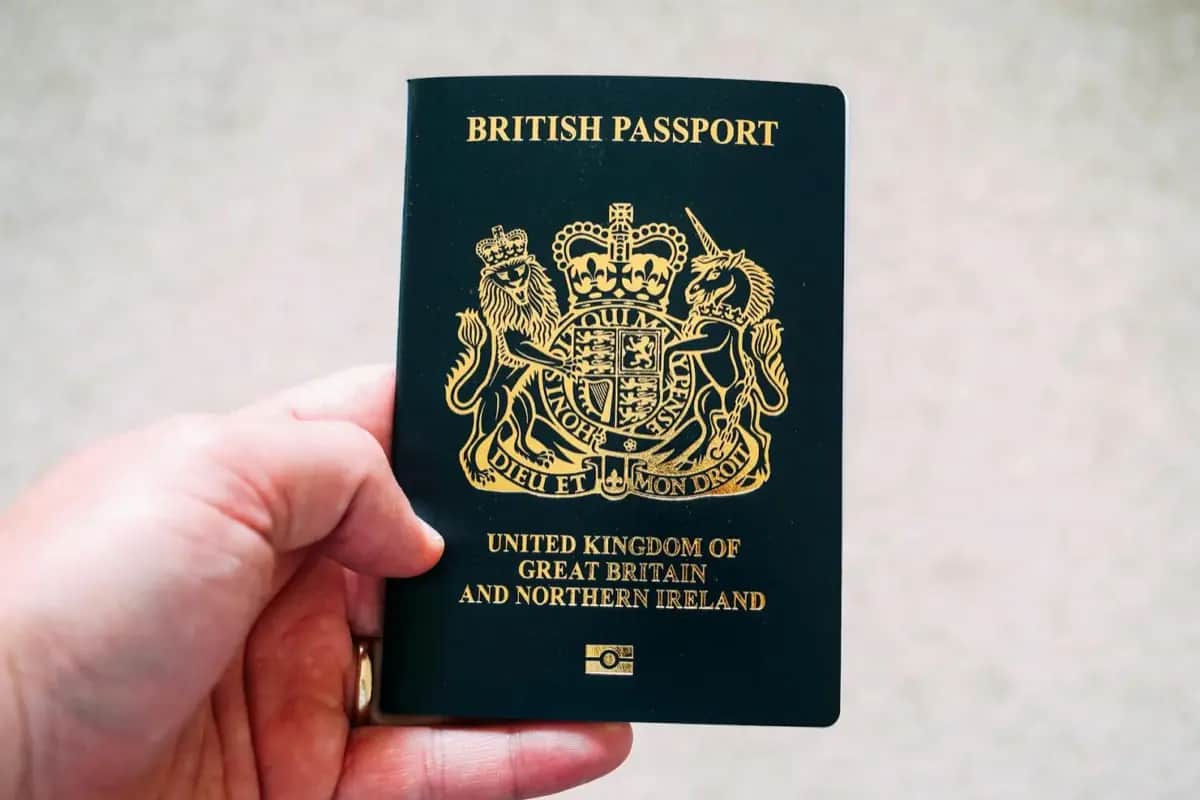
| Passport | All household members | Current and non-expired |
| National ID card | All household members (EU) | Faster to replace than passport |
| Birth certificates | All household members | Original or certified copy |
| Marriage certificate | Partners | Original or certified copy |
| Naturalization certificate | Non-native citizens | Original |
Action: Gather originals. Photograph each document. Store photo copies separately.
2. Financial Documents
| Document | Notes |
|---|---|
| Bank account information | Account numbers, IBAN, BIC |
| Insurance policies | Home, health, life, liability |
| Investment account statements | Recent (within 3 months) |
| Property documents | Deeds, ownership papers |
| Vehicle title | For each vehicle |
| Key financial account logins | Written on paper, stored securely |
Important: You do not need physical copies of all bank statements — your account number and IBAN allow you to access and re-establish your banking relationship. What you cannot replace without documentation: specific insurance policies and property ownership.
3. Medical Documents
| Document | Priority | Notes |
|---|---|---|
| Health insurance card | Critical | Always carry |
| Prescription list with dosages | Critical for chronic medications | Update every 6 months |
| Allergy information | Critical | Document severe allergies |
| Medical power of attorney | Critical for incapacitation | Discuss with family |
| Vaccination records | High | Required for some travel and healthcare |
| Recent medical history summary | Medium | Useful for new treating physicians |
| Specialist letters | Medium | For ongoing conditions |
Action: Create a 1-page medical summary for each household member. Include blood type, allergies, current medications with dosages, and key medical history.
4. Legal and Estate Documents
| Document | Notes |
|---|---|
| Will / Testament | Originals with notary; copies at home |
| Power of attorney | Both legal and healthcare |
| Advance directive (Patientenverfügung) | Critical if unconscious |
| Trust documents | If applicable |
| Business ownership documents | For self-employed |
5. Housing and Utilities
| Document | Notes |
|---|---|
| Rental contract | Critical for renters |
| Utility contracts | Gas, electricity, internet providers |
| Landlord contact information | Written down |
| House insurance documents | Critical |
| Mortgage documents | If applicable |
Document Storage: Physical
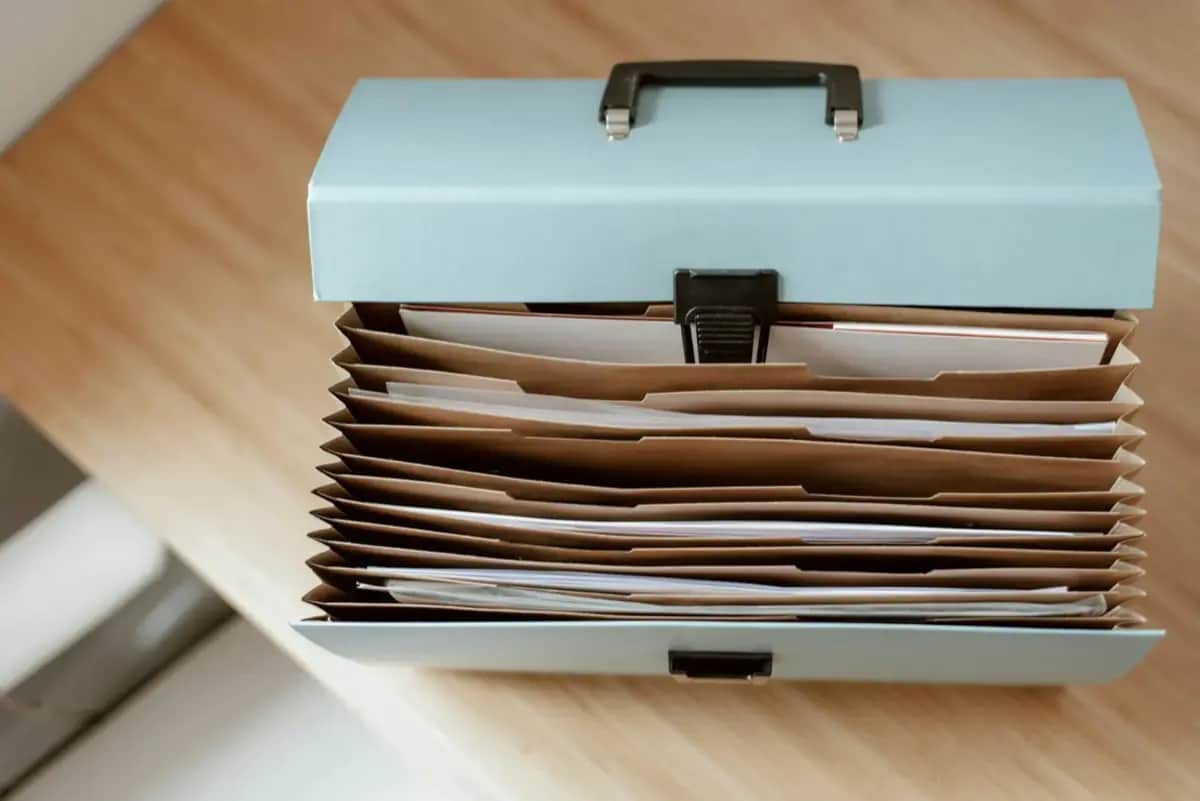
The Emergency Folder
Assemble one physical folder containing copies (not originals) of all critical documents. This folder:
- Is stored in a known location (tell other household members where)
- Is waterproof or stored in a waterproof bag
- Can be grabbed in under 30 seconds
Recommended: A waterproof A4 folder or ziplock bag within a fire-resistant lockbox.
Original Storage
Originals of irreplaceable documents (birth certificates, deeds, wills):
- Store in a fire-resistant lockbox (30-90 euros)
- Or in a bank safety deposit box (10-30 euros per year)
Never store originals in your car — cars are frequently lost in disasters and theft.
The Go-Bag Document Pocket
Every emergency go-bag should include a dedicated document pocket with:
- Photocopies of all ID documents
- One page medical summary per person
- Insurance policy numbers
- Key contact information (phone numbers written on paper)
- Small amount of cash in local currency
Document Storage: Digital
Encrypted Digital Backup
Create encrypted digital copies of all important documents:
- Scan or photograph each document clearly
- Organize by category in a folder structure
- Encrypt using a password manager (Bitwarden, 1Password) or an encrypted drive (VeraCrypt)
- Back up to multiple locations: encrypted cloud storage + encrypted USB drive stored separately from home
Why encryption matters: A document backup that is accessible to anyone who finds the USB drive is worse than no backup — it enables identity theft.
Cloud Storage Options
- Privacy-focused: ProtonDrive, Tresorit (end-to-end encrypted)
- Mainstream with manual encryption: Google Drive or OneDrive with files encrypted before upload
The Family Shared Access Problem
Your digital backup is useless if only you can access it. Ensure at least one trusted family member (or a lawyer for estate documents) can access critical documents in an emergency.
Solution: A sealed envelope with access instructions stored at a trusted location (e.g., with a parent or in a bank lockbox).
The Annual Document Review
Documents expire, change, and need updating. Build an annual document review:
- Check passport expiration dates (renew 6+ months before expiry)
- Update prescription list (new medications, changed dosages)
- Update will and power of attorney if family situation changed
- Replace any photo copies of changed documents
- Verify digital backup is accessible and up to date
- Check fire-resistant lockbox seal and contents
Set a calendar reminder: The first week of January each year. 30 minutes is sufficient.
Quick-Action Checklist
For someone starting from scratch:
- Gather all identity documents and photograph each
- List all insurance policies and account numbers on one page
- Create a 1-page medical summary for each household member
- Assemble an emergency document folder (copies only)
- Store originals in a fire-resistant lockbox
- Create an encrypted digital backup
- Tell at least one trusted person where everything is
Conclusion
Document security is a one-time preparation task with an enormous ongoing return. The annual review takes 30 minutes. The initial setup takes 2-3 hours. In a real emergency, the families who have done this work recover faster, experience less administrative chaos, and can focus on what matters — their physical safety rather than the frantic search for documents they cannot find.
Recommended Products
As an Amazon Associate we earn from qualifying purchases. Buying through our links supports the development of this app at no extra cost to you.