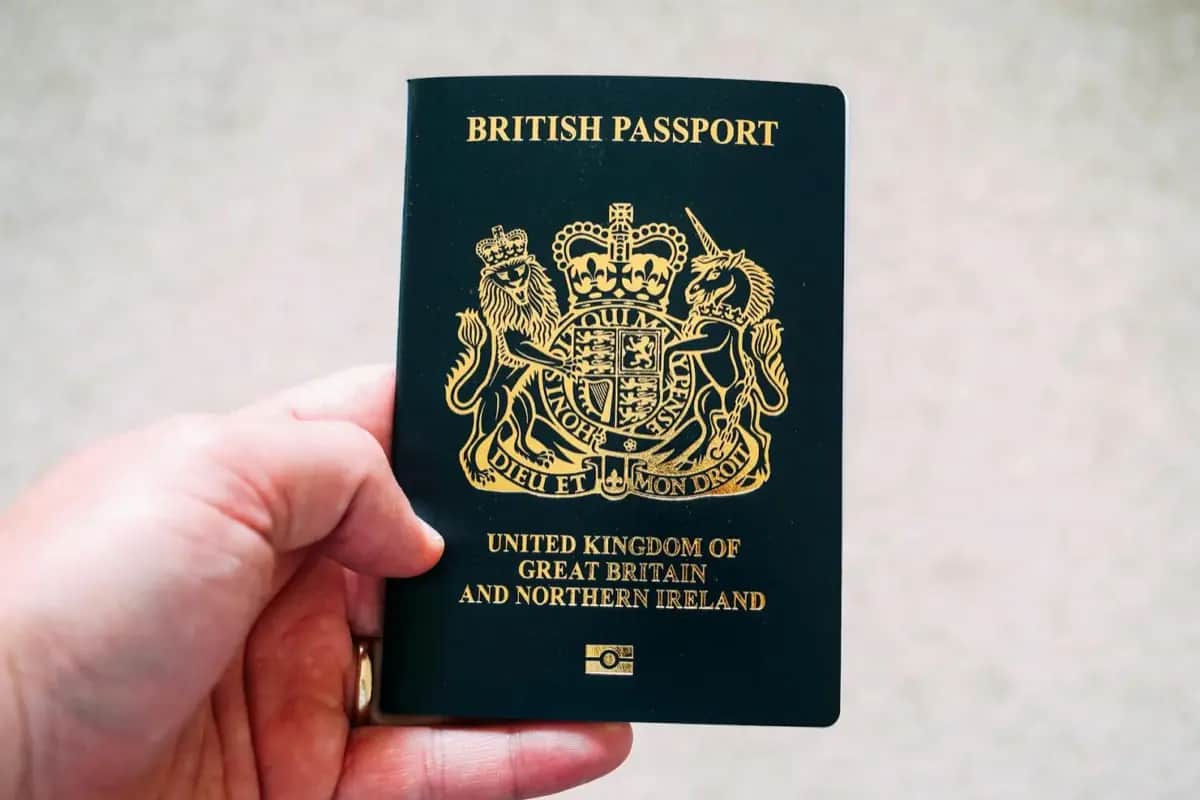
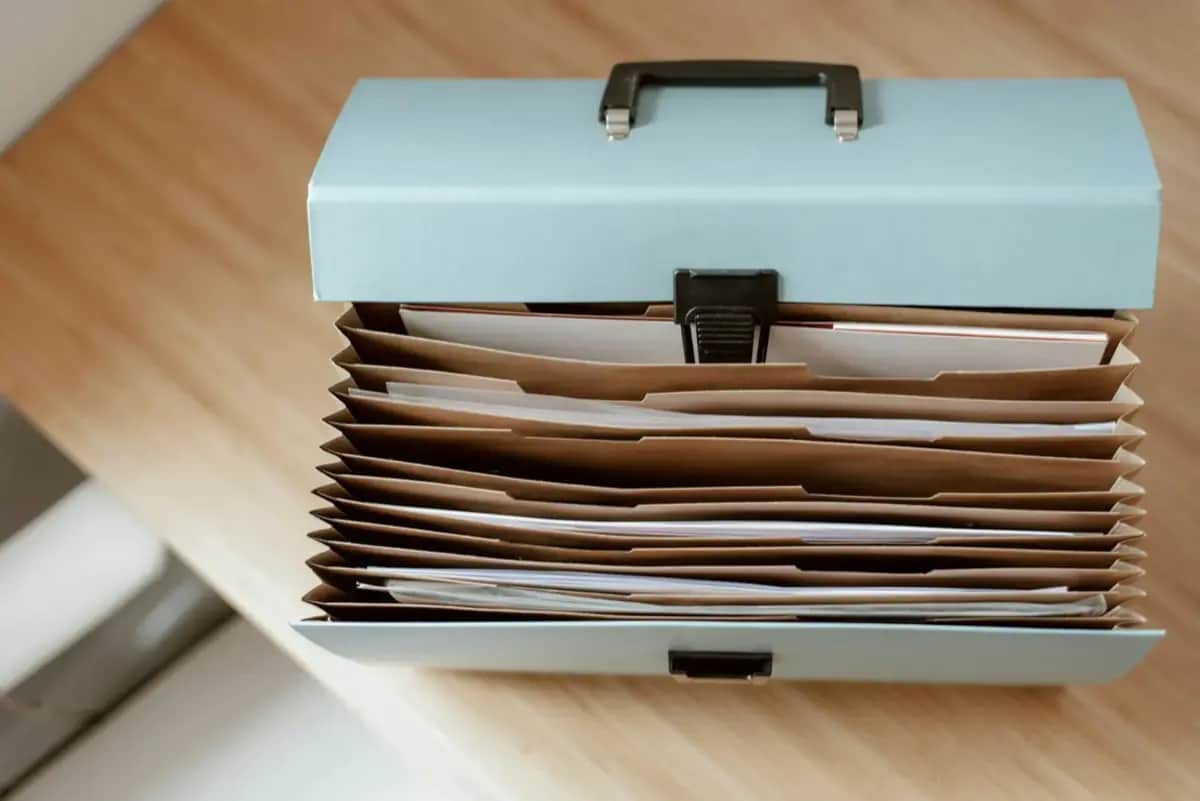
 Foto: Anete Lusina / Pexels
Document Security Mistakes: What People Get Wrong Before a Crisis
The most common document security mistakes in crisis preparedness: what people forget, what they store wrong, and how these errors cost them in real emergencies.
The Mistakes That Turn a Crisis Into a Catastrophe
Flooding victims who cannot prove they own their property. Evacuees who cannot access their bank accounts because they forgot the login. Families who cannot prove their medical insurance exists because the card burned in the fire.
These are not hypothetical scenarios — they are documented experiences from every major disaster. And in almost every case, a specific preparation mistake made the situation significantly worse.
Mistake 1: Storing Originals and Copies in the Same Location
You have carefully gathered all important documents. Birth certificates, passport, insurance policies, property deed. They are all in a folder in your home office.
Now the house floods. Or burns.
The mistake: Original and backup in the same location.
The fix: Originals in a fire-resistant lockbox at home; copies in an encrypted digital backup; a second physical copy at a trusted location outside your home (parent's house, bank safety deposit box).
The three-location rule: home, digital cloud, and physically elsewhere. A crisis severe enough to destroy your home will also destroy a folder in your home.
Mistake 2: No Digital Backup — Or an Inaccessible One
Many people create a digital scan folder of documents. Then:
- They forget the password
- The folder is on a computer that is now damaged
- The cloud account requires a phone for two-factor authentication — a phone that is now dead or missing
- A spouse or family member cannot access it
The mistake: A digital backup without tested, multi-user access.
The fix:
- Test your digital backup access from a different device (not your usual computer)
- Ensure your backup password is stored somewhere physical (a written note in a sealed envelope at a trusted person's home)
- Store at least key documents (ID scans, insurance numbers) in a password manager that family members can access in an emergency
Mistake 3: Outdated Documents
Documents are stored, filed, and forgotten. Then years later:
- The insurance policy referenced is the old one — the current policy number is different
- The prescription list shows medications from 3 years ago — dosages have changed
- The passport photo is so outdated that identity verification is complicated
- The named emergency contact moved or changed their number
The mistake: Document backup treated as a one-time task.
The fix: Annual review, first week of January. Calendar reminder. 30 minutes. Update what has changed.
Mistake 4: No Medical Summary
In a true emergency, you may be unconscious. Your family may be separated. A paramedic is treating you. They have no idea what medications you take, what you are allergic to, or that you have a pacemaker.
A written 1-page medical summary — blood type, allergies, current medications with dosages, key conditions — can literally save your life.
The mistake: Assuming someone will have access to your medical history electronically in an emergency.
The fix: Create a laminated 1-page medical summary for each household member. Store one in the emergency document folder, one in your wallet, and one in your go-bag.
Mistake 5: Cash Is Not a Document — But Its Absence Is a Problem
Many people focus on documents and forget: in a major crisis, electronic payment systems may be unavailable. ATMs may be offline. Banks may be closed.
The mistake: No cash in emergency supplies.
Fix: Store 200-500 euros in small bills (emergency cash does not help if no one can make change for a 100-euro note) in your fire-resistant lockbox or emergency folder. Update it periodically (old bills are still valid, but a mix of denominations is practical).
Mistake 6: Digital-Only Insurance Information
"My insurance is all in the app." This is fine for everyday use — but in a major emergency, your phone may be dead, the app may not work offline, and the insurance company's servers may be overloaded.
The mistake: Relying entirely on digital access for insurance claims.
The fix: Write down on paper:
- Insurance company name
- Policy number
- Emergency claims phone number (not just a standard number — the 24/7 emergency line)
- Primary coverage (home, health, liability)
One page, stored in the emergency folder.
Mistake 7: Not Telling Anyone Where Things Are
You have done everything right. Your documents are secured, backed up, and organized. But you are the only person who knows the location of the lockbox, the code for the safe, or the password for the digital backup.
Then you are the one who is injured or incapacitated in the emergency.
The mistake: Sole-custody document system.
The fix: At minimum, ensure one trusted family member knows:
- Where the physical emergency folder is
- Where the fire-resistant lockbox is and the combination or key
- How to access the digital backup (at least the master password)
This conversation is uncomfortable but necessary. Write it down, seal it in an envelope, and give it to a trusted person.
Mistake 8: Forgetting About Pets
Most households with pets do not have a copy of:
- The pet's vaccination records
- The veterinarian's contact information
- The pet's microchip number
- Pet insurance policy (if applicable)
In evacuation scenarios, many shelters and emergency accommodations require proof of vaccination for pets. Without these documents, you may be separated from your animal.
The fix: Add a pet document section to your emergency folder. One page per pet: photo, microchip number, vaccination dates, vet contact.
Mistake 9: No Photo of the Home's Contents
After a flood or fire, insurance claims require evidence of what was lost. Without documentation, insurance companies may minimize payouts.
The fix: Once a year, walk through your home with your smartphone and video record every room, every appliance, every valuable item. Narrate what you see ("This is the 65-inch television, purchased November 2024"). Upload this video to your encrypted cloud backup. This 20-minute investment protects against significant insurance disputes.
Mistake 10: Waiting Until After a Warning to Start
Every major disaster is preceded by a period where preparation is still possible. But warnings often come with hours, not days, of lead time.
The mistake: Planning to prepare "when the next big storm/flood/event approaches."
The fix: Prepare now, in calm conditions. The emergency folder, the digital backup, the medical summaries — all of these take 2-3 hours total. Done once, maintained annually. Waiting until a crisis is announced means competing with everyone else for the same limited time, supplies, and mental bandwidth.
Conclusion
Document security mistakes are preparation failures, not crisis failures. Every item on this list takes 30-60 minutes to address. Collectively, these fixes protect against the administrative chaos that follows every disaster and allows faster recovery, better insurance outcomes, and safer medical care when it matters most.
Recommended Products
As an Amazon Associate we earn from qualifying purchases. Buying through our links supports the development of this app at no extra cost to you.