 Foto: Nothing Ahead / Pexels
8 Digital Mistakes That Leave You Vulnerable During a Crisis
The 8 digital preparedness mistakes that cost people access, data, and security during emergencies — and simple fixes for each one.
Why Digital Mistakes Have Physical Consequences
In modern emergency management, digital failures cause real-world harm. When a hospital loses access to patient records during a ransomware attack, people may receive wrong medications. When a blackout disables cellular networks, emergency services can't be called. When your phone dies with all your contacts, you can't reach your family.
Digital preparedness isn't about tech enthusiasm — it's about maintaining critical functions when infrastructure fails. These 8 mistakes are the most consequential gaps in most people's digital preparedness.
Mistake 1: All Your Data Lives in One Place
The pattern: Photos, documents, and files exist only on one device. When the device is lost, damaged, or stolen during an emergency, that data is gone permanently.
Real-world consequence: Losing photos from your children's childhood, being unable to prove insurance claims, losing contact with everyone because all phone numbers were only on a single device.
The fix: 3-2-1 backup rule:
- 3 copies of important data
- On 2 different media types
- With 1 copy offsite (cloud storage)
Set up automatic backup to cloud storage AND keep an external drive at home. Test that your backups actually work.
Mistake 2: No Offline Access to Critical Information
The pattern: Everything is in the cloud or on apps. When internet is down, you can't access bank account numbers, insurance information, doctor contacts, or emergency procedures.
Real-world consequence: During a blackout, you can't access your insurance number to file a claim. You can't find the emergency number for your bank. Your navigation app is useless offline.
The fix:
- Print critical information: emergency contacts, account numbers, medical information
- Download offline maps for your region
- Save critical emergency numbers as offline notes on your phone (not just bookmarks)
A single waterproof folder with printed essentials costs you 30 minutes to prepare and can be invaluable during multi-day outages.
Mistake 3: Using the Same Password Everywhere
The pattern: One password for everything, possibly with minor variations. When one service is breached, all accounts are compromised.
Why it matters in a crisis: During a disaster, cybercriminals specifically target victims with tailored phishing attacks. If you use the same password across accounts and one is compromised, criminals can access your bank, email, and other critical accounts when you're most vulnerable.
The fix:
- Use a password manager (Bitwarden is free and open-source)
- Every account gets a unique, strong password
- This takes 2-3 hours to set up initially, then maintains itself automatically
Mistake 4: No 2FA Backup Codes
The pattern: 2FA is set up on critical accounts — great! But backup codes are never downloaded. Then the phone is lost during evacuation, and you can't access your accounts from any other device.
Real-world consequence: Locked out of your bank account, email, and other critical services when you most need them.
The fix:
- When setting up 2FA on any account: download and print the backup codes immediately
- Store backup codes in your physical emergency document kit
- Label them clearly: "2FA Backup Codes — [Account Name]"
Mistake 5: No Phone Charging Plan for Extended Outages
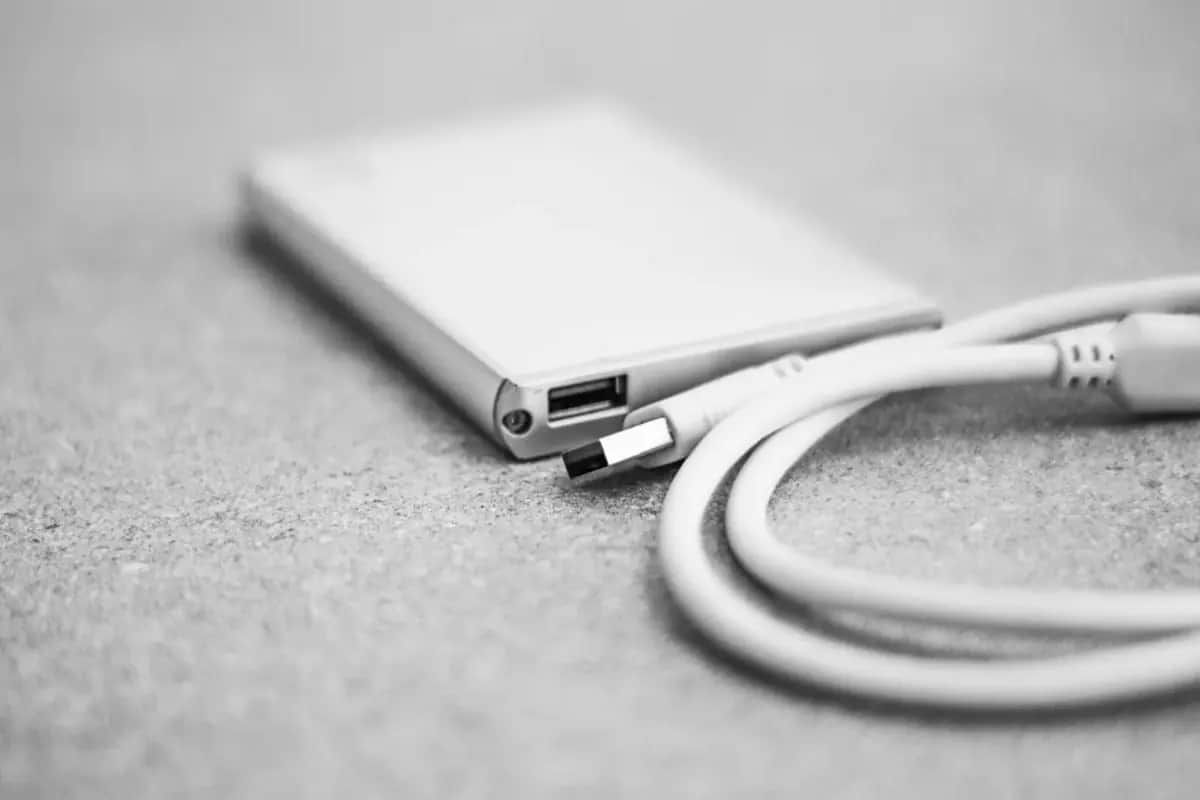
The pattern: No power bank. No solar charger. No car charger. When grid power fails for more than 12 hours, the phone dies and you're completely cut off.
Real-world consequence: Can't make or receive emergency calls, can't use offline maps, can't check emergency broadcasts, can't communicate with family.
The fix:
- Minimum: one 20,000+ mAh power bank, always kept charged
- Better: solar charger backup for extended outages
- Always charge devices fully before a forecasted emergency
- Keep a car charger — your car battery is a significant backup power source
Mistake 6: Ignoring Software Updates Before Emergencies
The pattern: Dozens of "update available" notifications ignored. Unknown security vulnerabilities left open.
Why it matters: Unpatched devices are more vulnerable to opportunistic attacks that spike during large-scale emergencies. More practically: if your device breaks during an emergency and needs to be restored from backup, out-of-date software causes compatibility problems.
The fix:
- Enable automatic updates for your operating system
- Update apps regularly
- Before any forecasted emergency (storm, civil unrest): manually trigger updates the day before
Mistake 7: Falling for Disaster-Related Phishing and Scams
The pattern: Stress and information hunger during disasters make people susceptible to:
- Fake government emergency websites
- Fraudulent charity donation sites for disaster relief
- SMS/email phishing impersonating emergency services
- Fake WiFi hotspots in evacuation areas
Real-world consequence: Financial theft, identity compromise, or malware installation during an already difficult situation.
The fixes:
- Navigate directly to official websites — don't click links in emergency-related emails or messages
- Verify charities through official registries before donating
- Never connect to "emergency" or "free" WiFi networks without a VPN
- Legitimate government emergency services will never ask for credit card numbers
Mistake 8: No Memorized Emergency Numbers
The pattern: Everyone relies entirely on their phone's contacts. When the phone battery dies, they don't know any phone numbers.
Real-world consequence: Can't call family from a borrowed phone. Can't call emergency services if you forgot it's "112" in Europe.
What to memorize:
- Emergency services: 112 (EU), 911 (US), 999 (UK)
- Immediate family: 1-3 most critical phone numbers
- Your own phone number (for leaving with contacts)
- Out-of-area emergency contact: the person your family calls to coordinate during regional emergencies
And write down:
- 10-20 important contacts on a card in your wallet
- Update it when numbers change
The Common Thread
Every mistake on this list shares the same root cause: treating digital preparedness as optional until it's needed. The irony is that digital preparation is among the cheapest and easiest forms of emergency preparedness.
Most fixes on this list take less than 30 minutes to implement and cost nothing or very little. The protection they provide — especially during the compounding stress of an actual emergency — is substantial.
Start with mistakes 1 and 2 today. They have the highest impact and require the least technical knowledge.