 Foto: Budget Bizar / Pexels
Digital Crisis Preparedness: Complete Cybersecurity and Data Protection Guide
How to protect your digital life during emergencies: data backups, device security, offline access to critical documents, and cyber threat preparedness.
Why Digital Preparedness is Physical Preparedness
In 2024, most critical life functions depend on digital infrastructure: banking, communication, government services, medical records, navigation, and emergency alerts. When this infrastructure fails — through cyberattacks, power outages, or natural disasters — the consequences are immediately physical.
The EU Agency for Cybersecurity (ENISA) reports that critical infrastructure attacks have increased by 300% since 2020. Major European utilities, hospitals, and government systems have all been successfully attacked. Digital preparedness isn't paranoia — it's a realistic response to documented threats.
This guide gives you a framework for protecting your digital life and maintaining function when digital systems fail.
Understanding the Digital Threats
Cyberattacks on critical infrastructure:
- Power grid attacks: cause cascading outages affecting heating, water, communications
- Hospital system attacks: compromised medical records, impaired emergency care
- Financial system attacks: temporary inability to access accounts or process payments
Collateral effects of physical disasters:
- Power outages knock out internet, cellular networks, and devices
- Flooded equipment destroys unbackedup data
- Evacuation without devices means no access to contacts, documents, or navigation
Ransomware and data threats:
- Ransomware encrypts your files — without backups, data is permanently lost
- Phishing attacks increase dramatically during disaster situations (people are stressed and less vigilant)
Layer 1: Data Backup Strategy
The 3-2-1 backup rule is the foundation:
- 3 copies of important data
- 2 different storage media types
- 1 copy off-site (geographically separate)
Implementation for individuals:
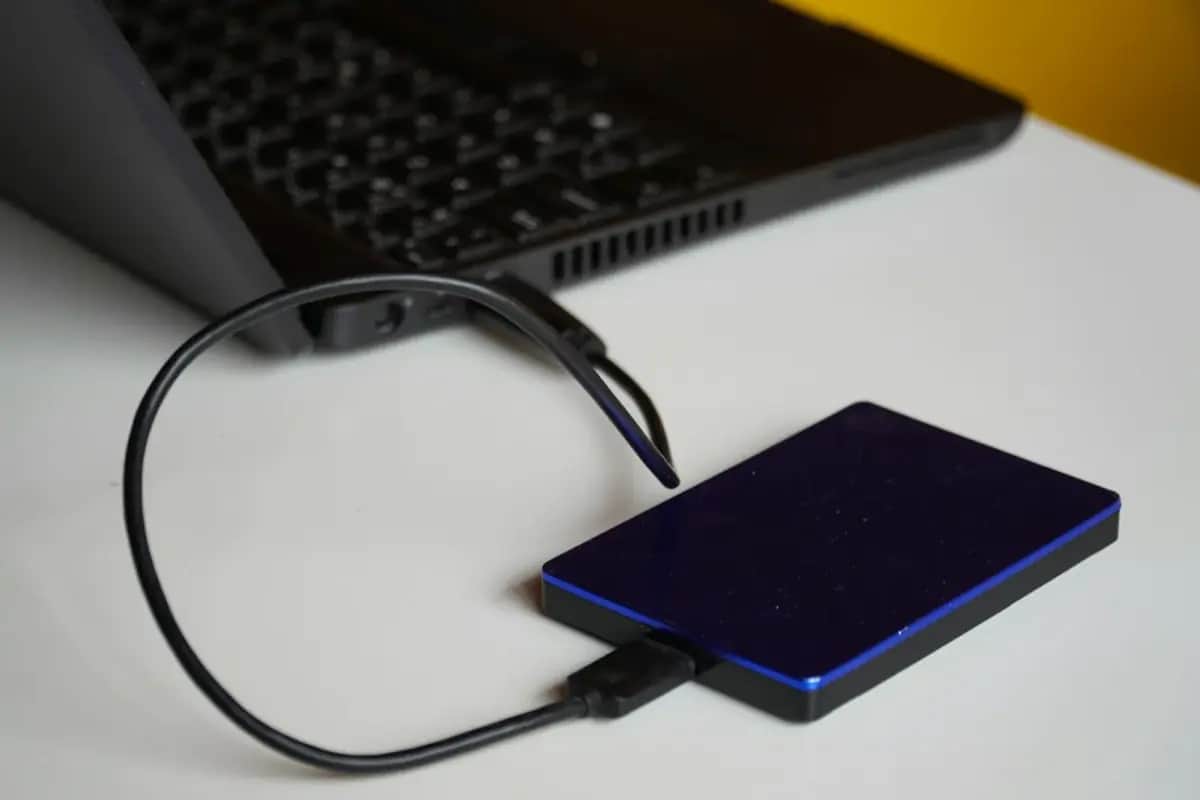
Primary: Files on your computer/phone Backup 1: External hard drive (stored at home) Backup 2: Encrypted cloud storage (Nextcloud, or similar privacy-focused options)
For maximum privacy: use end-to-end encrypted cloud services. Commercial options include Proton Drive or Tresorit (European providers, better GDPR alignment).
What to back up:
- Personal documents (IDs, contracts, medical records)
- Photos and videos
- Financial documents
- Passwords (via password manager with encrypted backup)
- Work files
- Emergency contact lists
Backup frequency:
- Critical documents: after every change
- Photos: weekly automated sync
- Full system backup: monthly
Layer 2: Offline Access to Critical Information
When internet is down and battery is low, you need offline access to critical information:
Physical printed copies:
- Emergency contact list (phone numbers for family, doctor, insurance)
- Important account information (not passwords — just account numbers)
- Medical information (conditions, medications, blood type, allergies)
- Copies of IDs and important documents (in waterproof folder)
- Local maps (when GPS/internet is unavailable)
Offline digital:
- Download offline maps (Maps.me or Google Maps offline area) to your phone
- Download relevant emergency procedures to your device
- Store critical documents in an encrypted offline folder on your phone
Layer 3: Device and Power Preparedness
Digital preparedness requires powered devices:
Power backup:
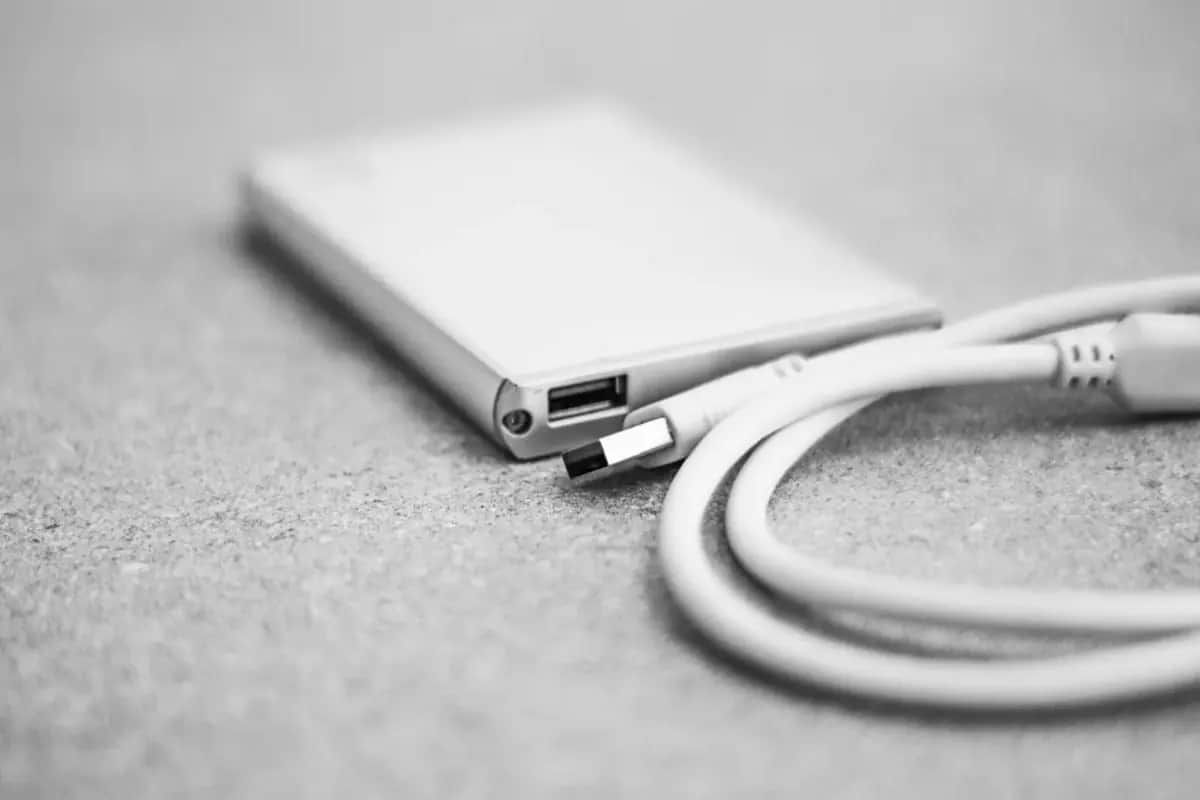
- Power bank (minimum 20,000 mAh) for phone and small devices
- Solar charger for extended outages
- Laptop as secondary power source for phone (fully charged before storms)
Device redundancy:
- Have at least one backup communication device (simple dumbphone, radio)
- Know how to use your phone without internet (Bluetooth, offline maps, airplane mode + WiFi)
Battery habits:
- Keep devices above 80% charge when severe weather or civil unrest is forecast
- Car charger is a backup power source if the car is accessible
Layer 4: Account Security and Access
Password management:
- Use a reputable password manager (Bitwarden is open-source and free; 1Password, KeePass)
- Every account gets a unique, strong password
- Two-factor authentication (2FA) on all critical accounts
- Print your most critical passwords and store in your physical emergency documents — encrypted storage only, accessed if your device is lost
2FA backup codes:
- Download and print backup codes for all 2FA-protected accounts
- Store in your secure document folder
- These let you access accounts if your authentication device is lost
Why this matters in a crisis: If you must evacuate without your regular device and need to access your bank account from a borrowed computer, you need your credentials accessible without your usual device.
Layer 5: Communication Preparedness
When normal communication channels fail:
Layered communication plan:
- Phone call (cellular)
- SMS (works when voice calls fail — uses different bandwidth)
- Signal/WhatsApp (internet-dependent)
- Email (internet-dependent)
- Ham radio / GMRS radio (completely independent infrastructure)
- Physical meeting at pre-agreed location
Offline messaging apps:
- Meshtastic (uses LoRa radio, no internet required)
- Briar (works over Bluetooth and WiFi direct between devices)
Physical backup:
- Everyone in your household should know key phone numbers by memory (not just stored in phone)
- Pre-agreed meeting points if communication is impossible
Layer 6: Cybersecurity During Disasters
Disasters create prime conditions for cybercriminals:
- People are stressed and less vigilant
- Fake aid organization websites proliferate
- Phishing attacks impersonate government emergency agencies
- Fake WiFi hotspots in evacuation areas
Protective habits:
- Don't click links in emergency-related messages — navigate directly to official websites
- Be skeptical of donation requests during disasters (verify charity through official registries)
- Don't connect to unknown WiFi without a VPN
- Update software before a predicted emergency (patches close vulnerabilities)
Building Your Digital Emergency Kit
Assemble these physical items in your emergency documents folder:
- Printed emergency contact list (family, doctor, insurance)
- Printed medical information card (conditions, medications, blood type)
- Printed copies of IDs (stored in waterproof sleeve)
- Printed 2FA backup codes for critical accounts
- Encrypted USB drive with critical document copies
- Power bank (charged)
- USB charging cables for your devices
- Local map (paper, your region)
- List of important account numbers (not passwords)
Digital preparedness requires ongoing maintenance — monthly backups, annual password reviews, and updating printed information when it changes. The investment is small; the security it provides is substantial.